Old Photo Restoration
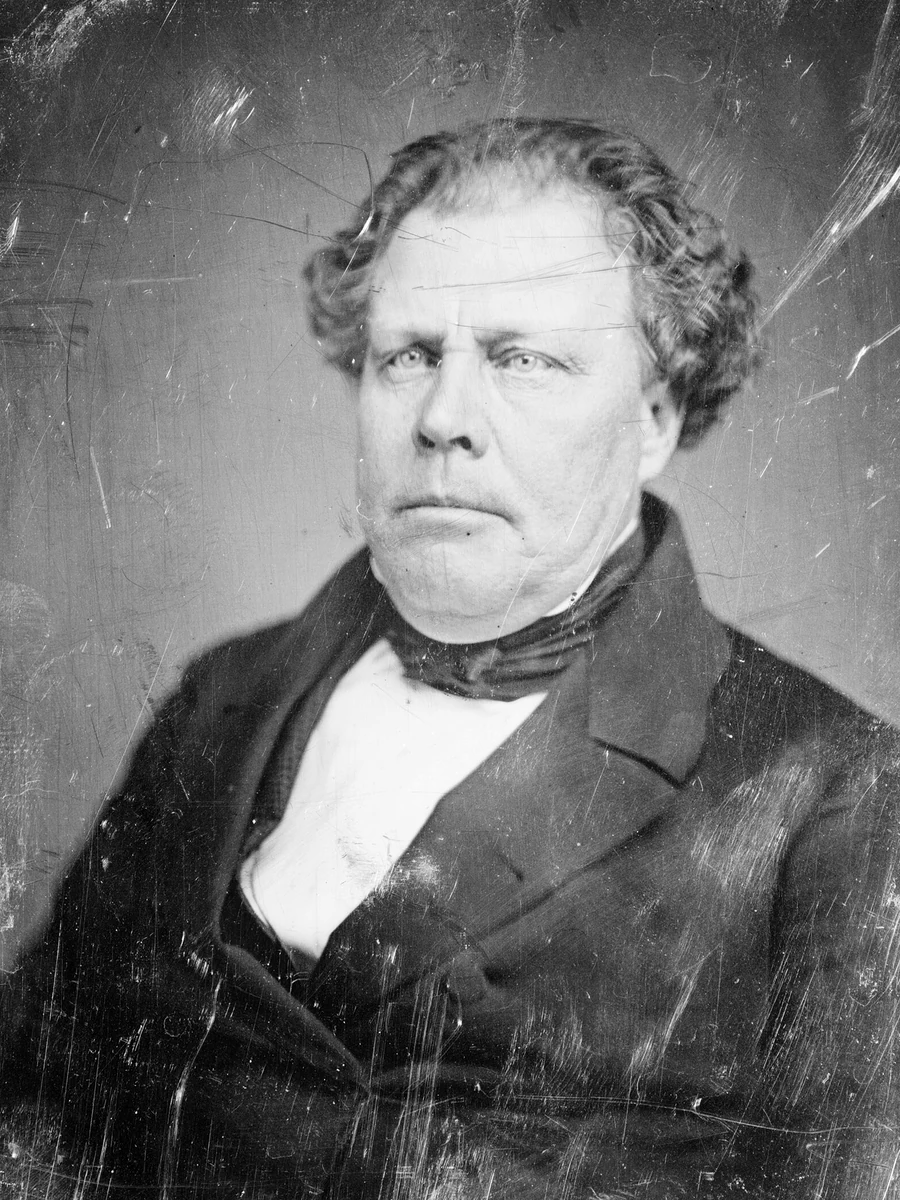
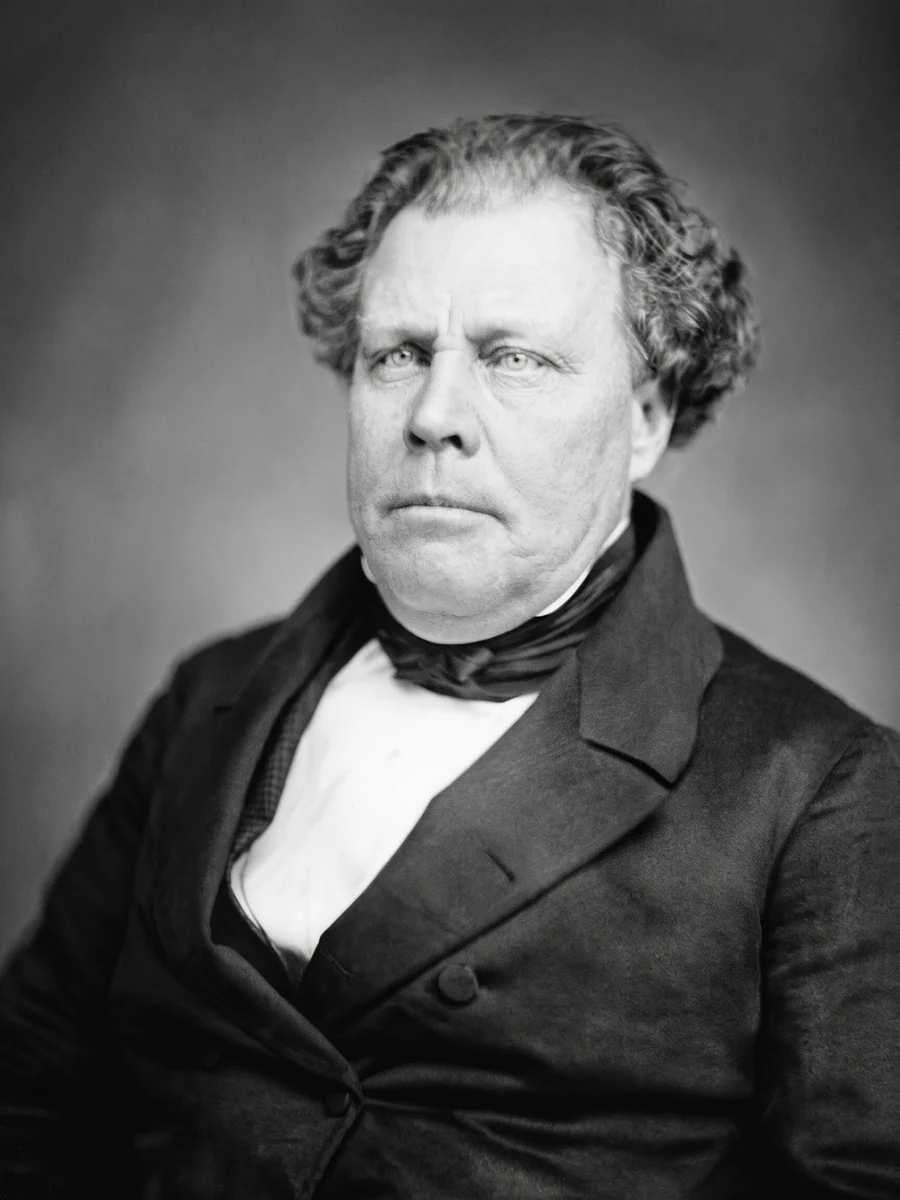
Repair the damage in an old photograph and keep the person exactly as they were.
- Photos needed
- —
- Cost
- —
- Format
- Still image
The credit cost is shown before you start, so you know the price before any photo is uploaded.
What this effect does
Old Photo Restoration repairs the photograph itself: dust, mould spots, stains, scratches, creases, folds, tears and pin holes. It also removes the brown cast and recovers detail that has faded into the shadows or blown out of the highlights.
The person and the scene stay as they were. The face, age, expression, clothing, pose and background are not beautified, modernised or redrawn, and the recipe does not invent detail that the original photograph does not show.
How it works
Load the old photo
Upload a scan or a phone photo of the print. Keep the whole photograph in frame, including its edges.
Start the effect
The page shows the credit cost before you start. The prompt and model run on our server and never reach your browser.
Get the result
Your restored photograph appears on this page, ready to download. A failed generation returns its credits automatically.
Questions
What kind of damage can it repair?
Dust, dirt, mould, stains, scratches, creases, folds, tears, pin holes, tape marks and fading. Large missing areas are continued only from the surrounding texture, so a badly lost face is not invented.
Will it change the person?
No. The recipe preserves the face, apparent age, expression, clothing, pose and background. It repairs the photograph rather than retouching the person.
How many photos do I need?
One. Upload the damaged photograph and the result is a cleaned, complete photograph.
What does it cost?
The page shows the credit cost before you start. A new account starts with one free photo, and a failed generation returns its credits automatically.
Who can see my photo?
Only you. Uploads and results belong to your account. The public effect page shows example imagery, never your photo.